Zenzic v0.26.0: DQS Workspace UI & Asynchronous CLI Bridge
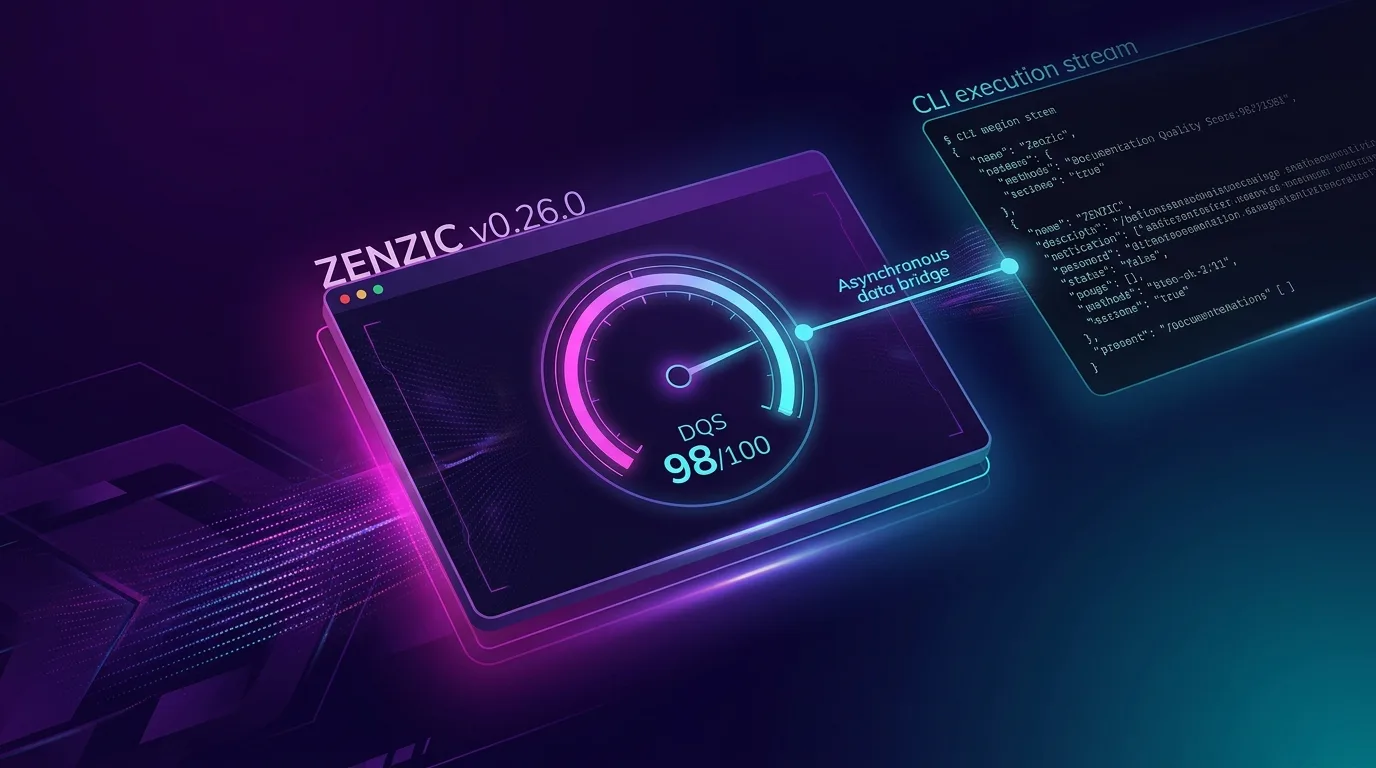
Zenzic v0.26.0 introduces the Asynchronous CLI Execution Bridge, bringing the global Documentation Quality Score (DQS) into the editor authoring environment while enforcing 100% mathematical determinism between terminal runs and VS Code status bar indicators.
Reconciling Editor Performance with Global Scoring
Calculating a workspace-wide Documentation Quality Score across hundreds of Markdown files requires a complete topological audit. In previous iterations, attempting to estimate global quality from incremental Language Server Protocol (LSP) events led to diagnostic divergence between in-editor status bar indicators and authoritative CI/CD batch runs.
Zenzic v0.26.0 solves this fundamental architectural challenge by establishing a strict separation of concerns:
- Ultra-Fast LSP Engine (sub-50ms): The Python Language Server remains purely focused on incremental single-file diagnostics and real-time buffer validation.
- Asynchronous CLI Execution Bridge: The VS Code extension acts as an orchestrator, executing
zenzic score --jsonin a background worker process viachild_process.execFile.
Architectural Invariants Preserved
This section details the specifications and guidelines for Architectural Invariants Preserved within the Zenzic ecosystem.
1. Absolute Determinism
Because the status bar indicator is powered directly by zenzic score --json, the score displayed inside VS Code is mathematically identical to the score computed by GitHub Actions and CI/CD pipelines.
2. Radical Unawareness (ADR-075)
The Python Core remains completely unaware of its consumer. When invoked with --json, zenzic score writes a single, structured JSON payload to stdout and exits cleanly. It contains zero editor-specific or transport-specific logic.
3. Thin Client Architecture
The TypeScript extension performs no scoring calculations. It simply parses the JSON response and updates the status bar item ($(dashboard) Zenzic DQS: 98/100) and detailed breakdown tooltips.
Programmatic Output: The --json Shorthand Flag
To support programmatic consumers, CLI tools, and editor integrations, Zenzic v0.26.0 introduces the --json shorthand flag on the zenzic score command.
JSON Output Schema
{
  "project": "zenzic",
  "score": 98,
  "threshold": 0,
  "status": "success",
  "timestamp": "2026-07-26T18:49:29+00:00",
  "categories": [
    {
      "name": "structural",
      "weight": 0.3,
      "issues": 0,
      "category_score": 1.0,
      "contribution": 0.3,
      "raw_penalty": 0,
      "is_capped": false
    },
    {
      "name": "navigation",
      "weight": 0.25,
      "issues": 0,
      "category_score": 1.0,
      "contribution": 0.25,
      "raw_penalty": 0,
      "is_capped": false
    },
    {
      "name": "content",
      "weight": 0.2,
      "issues": 0,
      "category_score": 1.0,
      "contribution": 0.2,
      "raw_penalty": 0,
      "is_capped": false
    },
    {
      "name": "brand",
      "weight": 0.25,
      "issues": 0,
      "category_score": 1.0,
      "contribution": 0.25,
      "raw_penalty": 0,
      "is_capped": false
    }
  ],
  "suppression_count": 2,
  "suppression_cap": 30,
  "suppression_debt_pts": 2,
  "debt_status": "MANAGED DEBT"
}
In-Editor UX & Contributed Commands
Zenzic v0.26.0 contributes a new command to VS Code:
Zenzic: Compute Global DQS(zenzic.computeDQS): Clicking the DQS status bar item triggers an on-demand background evaluation.
Status Bar Indicator States
$(dashboard) Zenzic DQS: 98/100— High quality score (\(\ge 80\)).$(warning) Zenzic DQS: 65/100— Quality floor warning (\(50 \le \text{score} < 80\)).$(error) Zenzic DQS: 30/100— Blocking quality failure (\(\text{score} < 50\)).$(sync~spin) Zenzic DQS: Computing...— Background evaluation active.
Upgrade Guide
This section details the specifications and guidelines for Upgrade Guide within the Zenzic ecosystem.
Core Engine & CLI
VS Code Extension
Update to version 0.26.0 from the VS Code Marketplace or reload your editor workspace.